
Surreal Palm Trees Desert Midjourney Prompt
Prompt Completo
california tall palm trees hovering in Natural desert, desolate desert, surreal, realistic, palm tree, Dark stormy ominous but smooth sky, desert palm tree::1 --chaos 77 --ar 2:3 --quality 2 --stylize 1000 --profile uy3ujyfParameter Guide
This prompt uses 4 parameters to control the generation.
Aspect Ratio
2:3Portrait format - classic for portraits and magazine covers
Professional photography standard
Stylization
1000Maximum stylization - heavy artistic expression, abstract and highly stylized
Very high stylization may deviate significantly from your prompt
Chaos
77High chaos - maximum variation, great for exploring different interpretations
High chaos creates more diverse but less predictable results.
Quality
2Higher detail level (slower, more expensive)
Default quality (1) is usually optimal
To modify these parameters, copy the prompt above and adjust the values. For example, change --ar 16:9 to --ar 1:1 for a square image.
Exemplo de Código API
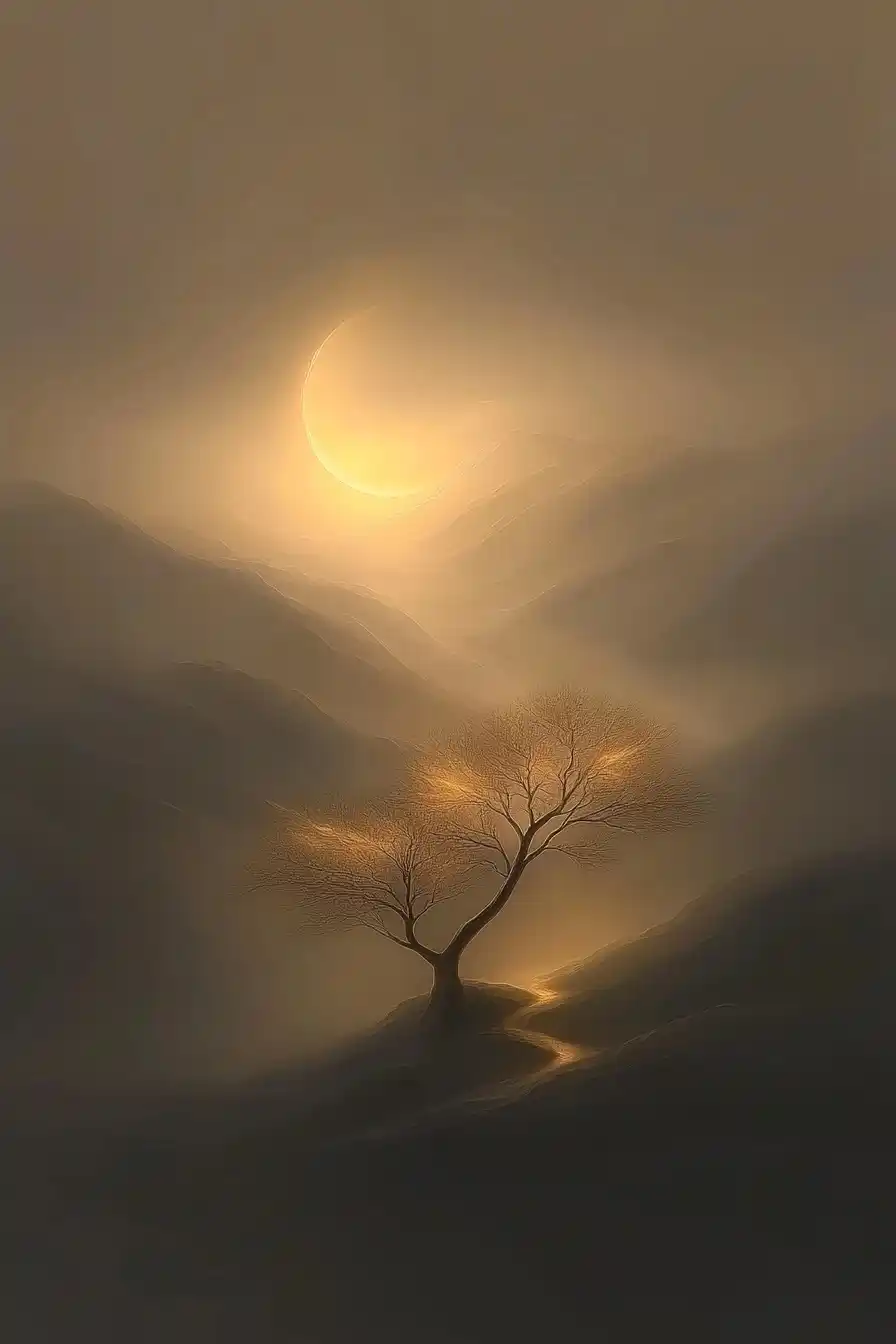
Pré-visualização da Imagem Gerada
curl --location 'https://api.legnext.ai/api/v1/diffusion' \
--header 'x-api-key: YOUR_API_KEY' \
--header 'Content-Type: application/json' \
--data '{
    "text": "california tall palm trees hovering in Natural desert, desolate desert, surreal, realistic, palm tree, Dark stormy ominous but smooth sky, desert palm tree::1 --chaos 77 --ar 2:3 --quality 2 --stylize 1000 --profile uy3ujyf"
}'
Nota: Substitua YOUR_API_KEY pela sua chave API real. Obtenha sua chave API em seu painel.
Como Usar Este Prompt
Visão Geral
Este prompt foi projetado para gerar imagens de IA impressionantes usando midjourney. Seja você um designer, artista ou desenvolvedor, este prompt fornece uma base sólida para criar imagens de qualidade profissional com parâmetros cuidadosamente elaborados para resultados consistentes.
Guia Passo a Passo
- 1Copy the Prompt:Click the "Copy" button above to copy the complete prompt text to your clipboard.
- 2Open midjourney:Navigate to your midjourney interface (Discord bot or web interface).
- 3Paste and Generate:Paste the prompt into the message box and press Enter to start generating your image.
- 4Wait for Results:midjourney will process your prompt and generate multiple image variations, typically taking 1-2 minutes.
- 5Refine if Needed:Use the upscale or variation buttons to refine your favorite results.
Understanding the Parameters
Dicas de Personalização
Melhores Práticas
Using with Our API
For developers and businesses looking to integrate midjourney into their applications, our API provides a simple way to generate images programmatically. You can automate image generation, process multiple prompts in batch, and integrate AI image generation directly into your workflow. Check the API Code Example section above for implementation details.
The API handles all the complexity of managing midjourney connections, queuing, and result retrieval, allowing you to focus on building your application. With support for all midjourneyfeatures and parameters, you get the full power of midjourney through a simple REST API interface.
Solução de Problemas
Perguntas Frequentes
Quer usar este prompt no seu app?
Gere imagens com Midjourney API - Nenhuma conta Discord necessária