

How to Use Midjourney API Without Discord — A Quick Guide for Developers
Learn how to use Midjourney API without Discord. Legnext provides a developer-first Midjourney API that works through simple REST requests, perfect for integrations, SaaS use cases, and automation workflows.
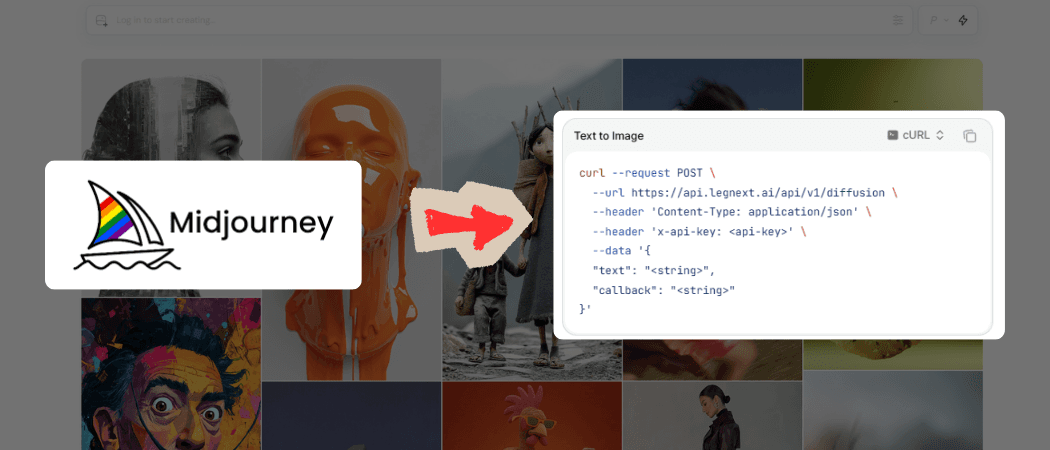
Quick Answer
Yes — you can use Midjourney without Discord.
While Midjourney's web app now lets regular users generate images through a browser, developers still need API-level access for integrations, SaaS use cases and workflows with n8n, zapier, make.
That's where Legnext comes in — a developer-first Midjourney API that works through simple REST requests, no Discord bots required.
Introduction
If you've wanted to use Midjourney for automation or creative apps but found Discord integration confusing, you're not alone.
Most Midjourney Services still rely on automation of Discord, meaning you have to connect and manage your personal Midjourney subscription, deal with session tokens, and risk account bans.
In this guide, we'll cover how to just sign up and create a Key to get your first Midjourney API request.
1. Why Developers Need a Discord-Free Option
Most so-called Midjourney APIs on the market — such as GoAPI or UserAPI — still rely on connecting your own Discord account. It not only increases integration complexity, but also exposes you to serious account-ban risks whenever Discord or Midjourney changes their internal mechanisms.
Developers trying to build SaaS dashboards or creative workflows quickly run into issues such as:
- No official API or webhook callbacks
- Manual prompt input without REST endpoints
- Rate limits tied to personal accounts
- Difficulty embedding the experience into applications
Legnext bridges that gap by exposing an official-style Midjourney API endpoint for developers.
You can now programmatically generate Midjourney-level images with just a few lines of code — no Discord, no manual uploads.
- REST endpoints for /imagine, /upscale, /variation, /inpaint, and more
- Simple API key authentication
- Asynchronous webhook callback support
- Integrations with n8n, Zapier, Replit, or your own backend
2. Getting Started with the Legnext Midjourney API
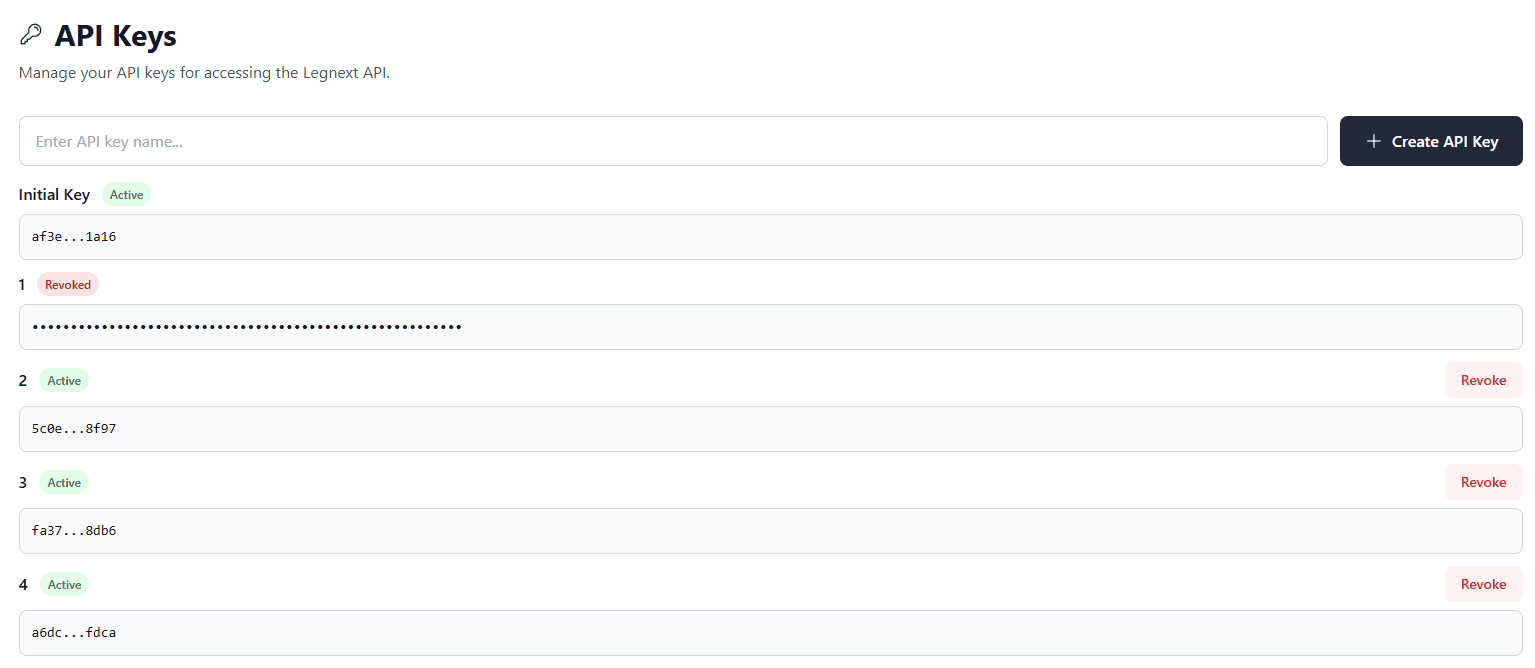
Step 1 – Create an Account
Visit legnext.ai → Sign up with Google or GitHub → Generate your API key inside the dashboard.
Step 2 – Make Your First Request
Here's a simple example using curl:
curl -X POST "https://api.legnext.ai/api/v1/diffusion" \
  -H "x-api-key: YOUR_API_KEY" \
  -H "Content-Type: application/json" \
  -d '{
    "text": "A beautiful sunset over the snow mountains"
  }'
This creates a new image-generation job and returns a job_id that you can query later.
Step 3 – Retrieve Task Results
Once the image is processed, you can check its status or get the final output using the job_id:
curl -X GET "https://api.legnext.ai/api/v1/job/98761286-cdc7-4085-abfe-c9f149ff722b" \
  -H "x-api-key: YOUR_API_KEY"
The response includes the image URL, status, and other metadata.
You can also set a webhook callback in your request body if you prefer automatic result delivery instead of polling.
3. Example Integrations
n8n / Zapier Workflow
Trigger image generation when a new record is added to Google Sheets or Airtable, then push the result to Slack or Notion.
SaaS Product Integration
Embed the API in your dashboard to let users generate marketing visuals or AI covers on demand.
Automation Scripts
Use Python, Node.js, or Go to bulk-generate thumbnails, concept art, or e-commerce visuals.
4. Legnext vs. Discord: A Developer Perspective
| Feature | Discord | Legnext API |
|---|---|---|
| Access Method | Manual `/imagine` bot command | REST endpoint |
| Automation | ❌ Manual | ✅ Full API access |
| Webhook Support | ❌ None | ✅ Supported |
| Rate Control | Per-user | Per-key concurrency |
| Integration | Manual upload | Scriptable, SaaS-ready |
| Output | Chat message | JSON payload + image URL |
In short: same image quality, but 100× better workflow
5. Frequently Asked Questions
| Question | Answer |
|---|---|
| Is this the official Midjourney API? | No — it's a third-party API that interfaces with Midjourney for developers. |
| Do I need Discord? | No. Everything runs through Legnext's own API. |
| Is it safe for production? | Yes. Legnext runs on stable infrastructure with monitoring and rate control. |
| Can I use it in my automation platform (n8n, Zapier)? | Absolutely. Legnext supports standard webhooks and JSON payloads. |
| Where can I see documentation? | Visit docs.legnext.ai. |
6. Conclusion
Using Midjourney without Discord is now not only possible — it's efficient, scalable, and developer-friendly.
Legnext gives you the same image quality as Midjourney's Discord bot, but with the power of APIs and automation.
Build, automate, and create — all without leaving your code editor.